
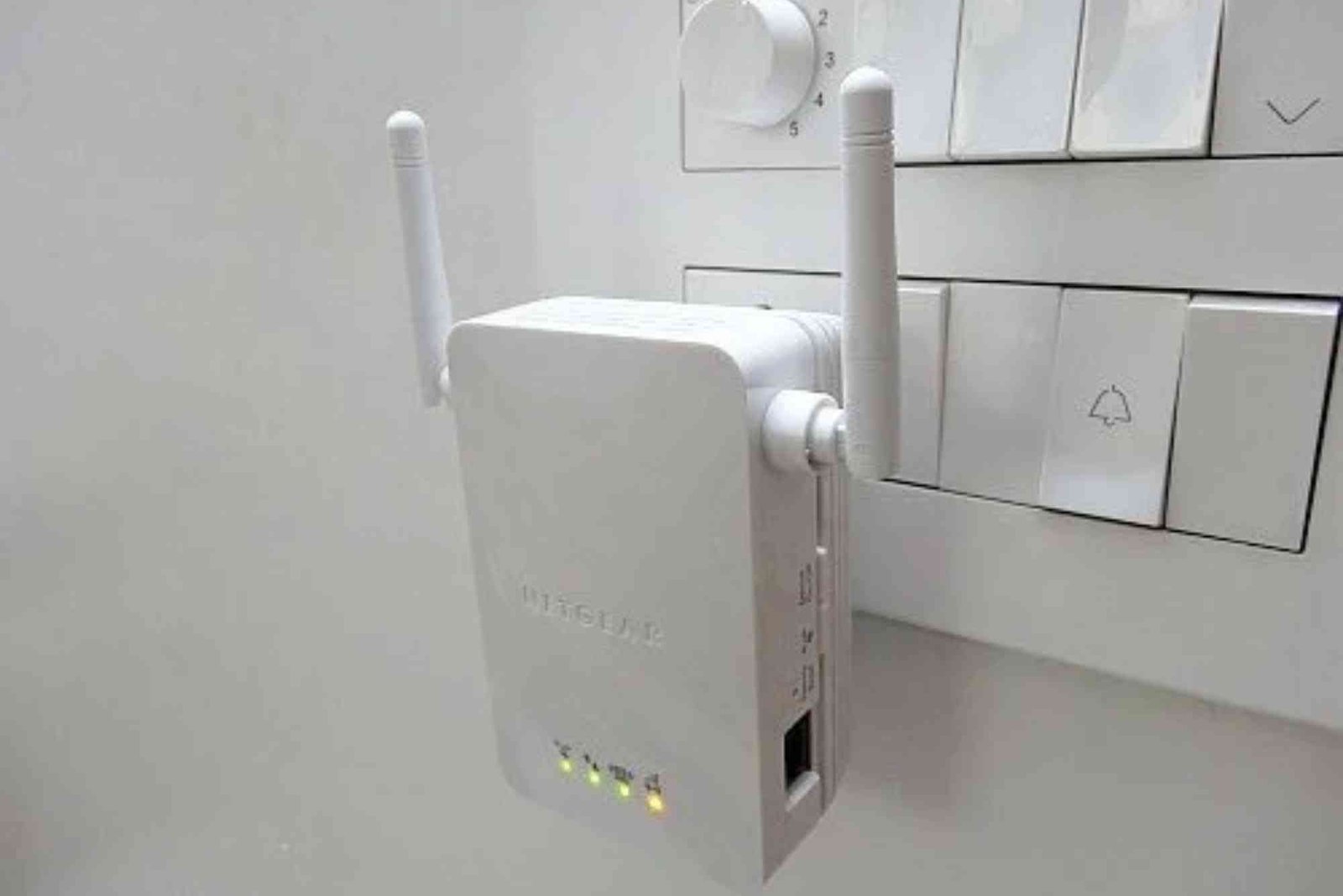
A multi-story home brings comfort, privacy, and space. Yet it also creates a common frustration: weak Wi-Fi signals on upper or lower floors. Finding the best Wi-Fi range extender for multiple floors solves dead zones and unstable streaming issues. When signals drop between floors, productivity, entertainment, and smart devices suffer. Multi-floor homes demand advanced coverage, and the right Wi-Fi extender bridges that gap efficiently.
This guide explains the top Wi-Fi range extenders for multi-floor homes, how they work, what to consider, and expert installation tips. It also covers long-range mesh alternatives for complex layouts. Throughout, the goal is to help you make a confident buying decision and achieve seamless whole-home connectivity.
Why Multi-Floor Homes Need Specialized Wi-Fi Extenders
Signals weaken as they pass through walls, ceilings, and floors. Materials such as concrete, brick, metal framing, and insulation cause additional interference. Multi-story homes face unique obstacles that smaller layouts rarely experience. Therefore, a standard budget extender may not deliver consistent performance across multiple levels.
A Wi-Fi range extender for multiple floors amplifies and redistributes your router’s signal vertically and horizontally. The result is a stronger connection for upstairs bedrooms, basement offices, rooftop patios, and garages. Families with remote workers, gamers, and smart-home systems benefit most.
Factors to Consider When Choosing a Multi-Floor Wi-Fi Extender
Performance varies widely across devices, even within the same price range. Selecting the right extender for vertical coverage requires careful evaluation.
Speed rating matters because multi-story coverage creates more bandwidth demand. A strong extender supports modern Wi-Fi standards, low-latency connections, and high transfer speeds. Dual-band and tri-band models ensure smooth streaming, gaming, and video calls. Beamforming helps direct signals toward devices instead of broadcasting randomly.
Placement flexibility plays a key role. Extenders designed for vertical coverage use antenna engineering optimized for height differences. Ensure the model offers external antennas or advanced internal antenna design.


Mesh compatibility provides an advantage for large and multi-wing layouts. When an extender forms part of a mesh network, transitions between floors feel seamless with no signal drop.
Ethernet backhaul capability improves stability for high-traffic zones. Hardwiring the extender to the router prevents speed loss and ensures consistent performance for upper floors.
Top Wi-Fi Range Extenders for Multi-Floor Homes
Several premium extenders stand out due to their power, range, and reliability. Tri-band extenders support dense device environments. Wi-Fi 6 models deliver future-proof performance. Smart roaming prevents device connection interruptions while moving between floors. Some units work as mesh nodes for superior roaming and signal quality.
Choose devices from established networking brands known for stability, firmware updates, and customer support.
Practical Installation Tips for Maximum Coverage
Even the best extender fails if placed poorly. For multi-floor coverage, position the extender halfway between levels. Placing it too far results in unstable amplification; placing it too close to the router limits reach. If your router sits on the ground floor, install the extender on the stair landing or central hallway. Ceiling-mount mesh nodes improve upward and downward penetration.
Avoid placing devices near microwaves, cordless phones, metal furniture, and thick reinforced walls. Always update firmware to improve performance and security.
Mesh Systems vs. Range Extenders for Multi-Story Homes
An extender works well for moderate coverage upgrades. A mesh network, however, suits larger multi-floor homes or properties with unusual layouts. Mesh systems distribute nodes across floors to create uniform whole-home coverage. Unlike traditional extenders, mesh systems manage device handoff intelligently. This prevents dropped calls during video conferencing or lag while streaming between floors.
A Wi-Fi extender for multiple floors remains a budget-friendly solution when upgrading to mesh feels unnecessary. Many modern extenders integrate with mesh-ready routers, offering an upgrade path later without replacing equipment.
Troubleshooting Multi-Floor Wi-Fi Issues
If speeds remain slow upstairs or in the basement, run a signal heatmap using a mobile app to detect weak zones. Adjust extender placement and re-test. Change channels to avoid interference from neighbors or smart appliances. If possible, switch to 5 GHz for speed and 2.4 GHz for extended reach.
Devices that remain stuck to the main router instead of the extender benefit from enabling band steering or roaming assist features. Restart extenders periodically to clear memory and maintain performance.
Real-World Performance Considerations
Square footage, number of floors, and building materials shape Wi-Fi behavior. Homes with open staircases and modern drywall construction experience fewer issues than those with concrete slab floors, brick internal walls, or metal HVAC ducts. Upgrading your router enhances performance when used alongside a high-quality extender.
Smart-home devices on multiple floors, such as thermostats, cameras, and lighting hubs, demand strong, stable Wi-Fi. Optimal placement ensures reliable automation and monitoring. Even gym equipment like the connected rowing machines in training facilities such as Orange Theory in Mountain View depend on uninterrupted wireless performance, illustrating how reliable Wi-Fi supports both home and commercial fitness environments.
Frequently Asked Questions
How do I get Wi-Fi on every floor of my house?
Use a Wi-Fi range extender for multiple floors or upgrade to a mesh Wi-Fi system. Place extenders centrally between floors for best results.
Which Wi-Fi extender works best across multiple floors?
Models with dual-band or tri-band support, external antennas, and Wi-Fi 6 deliver the strongest multi-floor performance.
Do Wi-Fi extenders work vertically between floors?
Yes. Choose extenders with strong antennas and position them strategically between levels for maximum coverage.
Is a mesh system better than an extender for multi-story homes?
Mesh systems provide smoother roaming and consistent speeds across floors, but extenders are more affordable and effective for moderate needs.
Where should I place my Wi-Fi extender in a two-story house?
Position it halfway between the router and weak zones—often near stairways or central halls.
Improve Whole-Home Wi-Fi Today
Upgrading to the best Wi-Fi range extender for multiple floors ensures seamless streaming, smooth remote work, dependable smart-home automation, and reliable gaming. Multi-floor homes benefit most from Wi-Fi 6 extenders, mesh-capable devices, and optimal placement. A well-planned setup eliminates dead zones and creates consistent performance on every level.
To upgrade your network or seek professional consultation, consider trusted providers like Dhanote Internet Services. Evaluate your home layout, select the right model, and enjoy uninterrupted connectivity across every floor. The right extender transforms your multi-story home into a fully connected digital environment.
Related Reading: Wi-Fi Range Extender Reboot Schedule
Related Reading: Wi-Fi Range Extender Slow Speeds
Related Reading: Wi-Fi Range Extender With Ethernet Port — full guide
Related Reading: Wi-Fi Range Extender vs Repeater — full guide