
Mobile Hotspot vs Public Wi-Fi: Which Is Safer?
In today’s digital world, staying connected is essential. Whether you’re working remotely, streaming content, or browsing social media, internet access is a must. But not all connections are equal in terms of security. When deciding between a mobile hotspot and public Wi-Fi, understanding the risks and benefits can save your data from potential threats. This article explores mobile hotspot vs public Wi-Fi, helping you make an informed choice.
Understanding Mobile Hotspots
What Is a Mobile Hotspot?
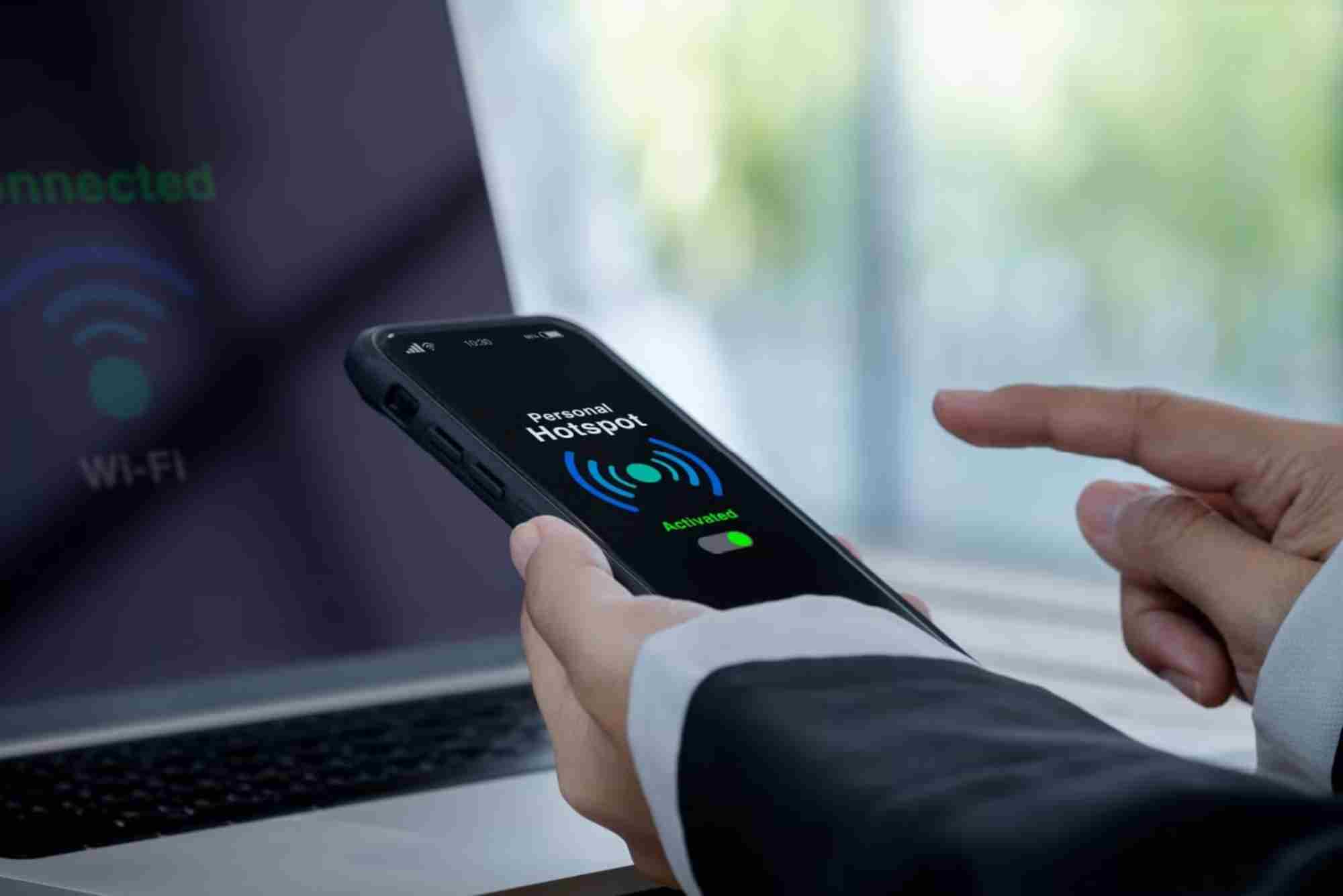
A mobile hotspot is a device or smartphone feature that shares a cellular data connection with other devices. It allows laptops, tablets, or other smartphones to connect to the internet wherever there is cellular coverage.
Advantages of Using a Mobile Hotspot
Security: Mobile hotspots are generally more secure than public Wi-Fi because they use your carrier’s encrypted connection.
Reliability: Cellular networks are often more stable, providing consistent speeds even in crowded areas.
Control: You decide who connects to your hotspot, reducing the risk of unauthorized access.
Limitations of Mobile Hotspots
Data Limits: Hotspots rely on your mobile data plan, which may have monthly caps.


Battery Usage: Running a hotspot can drain your phone’s battery quickly.
Cost: Excessive data usage may result in additional charges from your carrier.
Understanding Public Wi-Fi
What Is Public Wi-Fi?
Public Wi-Fi networks are available in cafes, airports, hotels, and other public spaces. They provide free or paid internet access to anyone within range.
Advantages of Public Wi-Fi
Accessibility: Public Wi-Fi is widely available, making it convenient for travelers or remote workers.
Cost-Free: Many public networks are free, saving you data usage from your mobile plan.
Ease of Use: Connecting is simple and requires no extra setup for casual browsing.
Risks of Using Public Wi-Fi
Security Threats: Public networks are vulnerable to hackers using techniques like man-in-the-middle attacks.
Data Theft: Sensitive information, such as login credentials and banking details, can be intercepted.
Fake Networks: Cybercriminals often create fake Wi-Fi hotspots to steal personal information.
Mobile Hotspot vs Public Wi-Fi: Security Comparison
Encryption and Data Safety
Mobile hotspots use carrier encryption, which is typically stronger than public Wi-Fi. Public networks often lack proper encryption, making your data vulnerable.
Risk of Hacking
Public Wi-Fi exposes users to higher hacking risks due to its open nature. Mobile hotspots significantly reduce this risk because only authorized devices can connect.
Privacy Considerations
Using a hotspot ensures your browsing activity remains private. On public Wi-Fi, network operators and hackers may monitor your activity without consent.
Connection Reliability
Mobile hotspots are generally more reliable and faster, especially in areas with poor Wi-Fi infrastructure. Public Wi-Fi speeds can fluctuate due to overcrowding.
Tips for Safer Internet Use
When Using Mobile Hotspots
Set a strong password for your hotspot.
Limit the number of devices connected simultaneously.
Keep your device updated to protect against vulnerabilities.
When Using Public Wi-Fi
Use a virtual private network (VPN) to encrypt your connection.
Avoid accessing sensitive accounts or financial apps.
Verify the network name with staff to avoid fake hotspots.
General Security Practices
Enable two-factor authentication for online accounts.
Regularly update passwords and security software.
Turn off automatic connection to unknown networks.
When to Choose a Mobile Hotspot vs Public Wi-Fi
If security is your priority, a mobile hotspot is the safer option. It’s ideal for remote work, online banking, or handling sensitive information.
Public Wi-Fi is suitable for casual browsing, streaming, or checking emails when convenience outweighs security concerns.
For the best balance, combine both approaches: use a hotspot for sensitive tasks and public Wi-Fi for general browsing, while employing a VPN for added protection.
Internal Resource Recommendation
For reliable and fast internet solutions, consider Dhanote Internet Services, which offers secure connections ideal for mobile and home use.
FAQs
Is a mobile hotspot safer than public Wi-Fi?
Yes, mobile hotspots are generally safer because they use encrypted cellular networks and allow controlled access.
Can hackers access my data on public Wi-Fi?
Yes, hackers can intercept unencrypted data, steal login credentials, or even monitor browsing activity.
Should I use a VPN on public Wi-Fi?
Absolutely. A VPN encrypts your connection, making it harder for hackers to steal your data.
Are mobile hotspots faster than public Wi-Fi?
It depends on the network, but mobile hotspots often provide more stable speeds, especially in crowded areas.
Can I use public Wi-Fi safely?
Yes, with precautions like using a VPN, avoiding sensitive transactions, and verifying the network’s authenticity.
Choosing between a mobile hotspot and public Wi-Fi depends on your priorities. For secure, reliable internet, mobile hotspots are the superior choice. Public Wi-Fi is convenient, but it comes with risks that require careful management. Protect your data by using strong passwords, a VPN, and trusted connections.
Stay connected safely and make informed choices about your internet usage. For reliable and secure options, explore Dhanote Internet Services to enhance your online experience.
Related Reading: How To Secure Mobile Hotspot
Related Reading: Mobile Hotspot Not Working
Related Reading: Mobile Hotspot Compatibility With Laptops
Related Reading: Mobile Hotspot Data Saver Mode — full guide
